When you install Veeam Backup for Microsoft 365, its console is automatically installed on the backup server. If you want to access Veeam Backup for Microsoft 365 remotely, you can install the Veeam Backup for Microsoft 365 console on a dedicated machine. You can install as many remote consoles as you need.
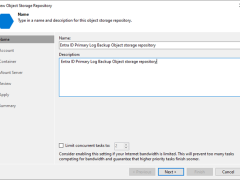
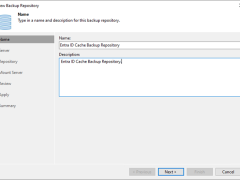
A log backup repository is a storage area where Veeam Backup for Microsoft Entra ID keeps backups of audit and sign-in logs from protected Microsoft Entra ID tenants.
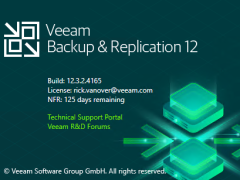
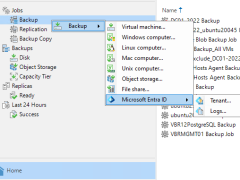
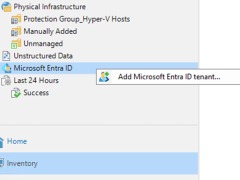
Beginning with version 12.3, the Veeam Backup & Replication solution allows you to add Microsoft Entra ID tenants to the backup infrastructure and manage data protection and recovery operations for these tenants from a single console.
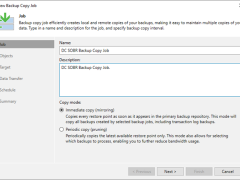
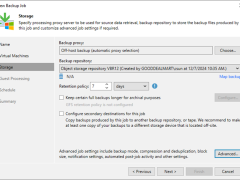
This section describes creating a backup copy job that off-loads to the Azure blob after performing a full backup. It will not use the Azure Blob archive tier.
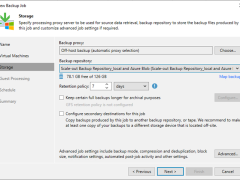
This section describes creating a backup job that backs up at local repositories to sync backup files with Azure cloud and off-loads Azure blob after performing a full backup. It would be best to have a scale-out repository ready before beginning this backup job.
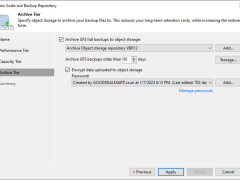
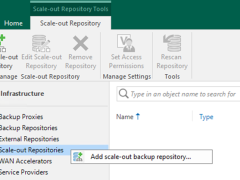
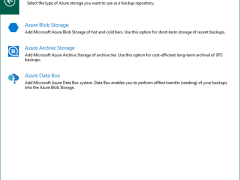
This section describes how to add Azure Blob Object Storage Repositories as the performance tier (hot tier), a capacity tier (cool tier) and an archive (cold tier) tier of the scale-out repository.
Veeam released a version of Veeam Backup for Microsoft 365 v8.1 on January 23, 2025, and it has some enhancements, including support for Ubuntu 24.04 and RedHat 9.4 as backup proxy operating systems, multiple stability, performance, and scalability improvements delivered to ensure product reliability. It also resolved some issues.
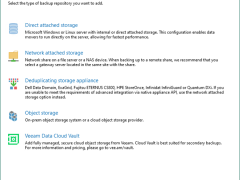
These steps show how to add Microsoft Azure Archive Storage to the backup infrastructure as a backup repository. This repository can only be used as an archive extension of the scaled-out backup repository.
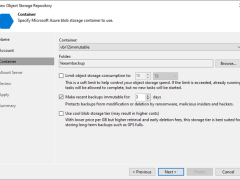
Veeam Backup & Replication allows you to prevent data deletion from the object storage repository by making it momentarily immutable and protecting data from malware activity by keeping several versions of a single backup.
To add Microsoft Azure Blob Storage as an object repository without immutability, you normally integrate the Azure Blob Storage service to store and manage objects without enforcing retention or immutability requirements.
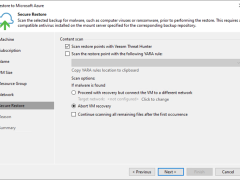
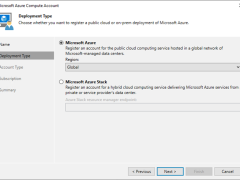
To add Microsoft Azure Compute Accounts to Veeam Backup & Replication (or Veeam Backup for Microsoft Azure), you must first integrate your Azure environment with Veeam, which will manage the backup and restoration of Azure Virtual Machines and other computing resources.
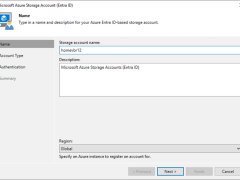
This Veeam cloud credential is for a Microsoft Azure Blob Object Storage Account with Entra ID authentication connecting to the following sorts of accounts.
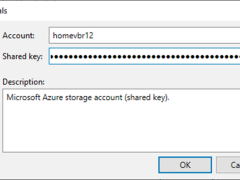
This Veeam cloud credential is for a Microsoft Azure Blob Object Storage Account with Share Key authentication connecting to the following sorts of accounts