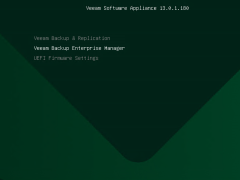
To install the Veeam Backup Enterprise Manager on Linux (Veeam Software Appliance) at Hyper-V 2025, you must first build a special Windows Server 2025 Hyper-V virtual machine (VM) that satisfies hardware requirements. Then, you must boot the VM from the VSA ISO.
Veeam Software Appliance is a software solution that includes Enterprise Manager or Veeam Backup & Replication along with the Rocky Linux operating system.
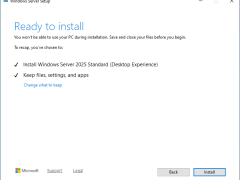
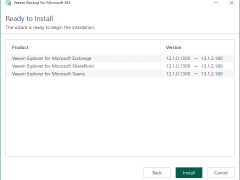
Make sure you are running Veeam Backup & Replication version 12.3.1 or later to perform an in-place upgrade to Windows Server 2025, since version 13.0.1 enables in-place upgrades from this version. First, create a full backup of your existing Veeam configuration database and install the updated Veeam Backup & Replication 13.0.1.180 ISO, which is now available for Windows Server 2025.
To execute an in-place upgrade of Veeam Backup Enterprise Manager on a server being upgraded to Windows Server 2025, Veeam Backup Enterprise Manager must first be upgraded to a compatible version.
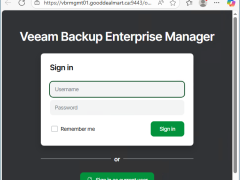
Veeam Backup Enterprise Manager v13 is a centralized management and reporting tool designed by Veeam Software for overseeing Veeam Backup & Replication deployments. It allows administrators to control and monitor their backup infrastructure through a web-based interface, making it easier to manage large-scale environments.
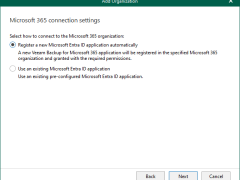
Registering a new Microsoft Entra ID application automatically is unavailable if you want to back up team chats and have selected Team chats at the Organization Deployment Type step.
Veeam Backup & Replication v13 is available for Microsoft Windows as self-managed installable software and as a fully managed software appliance.
The Veeam Backup & Replication console is installed on the backup server automatically when you install Veeam Backup & Replication v13. You can utilize the web user interface (UI) or install the Veeam Backup & Replication console on a dedicated computer to access Veeam Backup & Replication remotely.
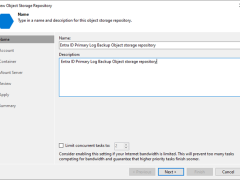
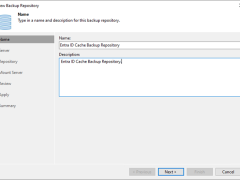
A log backup repository is a storage area where Veeam Backup for Microsoft Entra ID keeps backups of audit and sign-in logs from protected Microsoft Entra ID tenants.
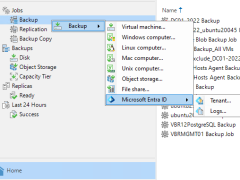
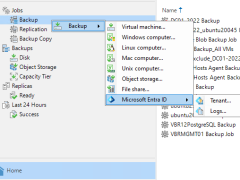
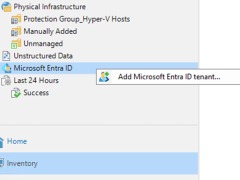
Beginning with version 12.3, the Veeam Backup & Replication solution allows you to add Microsoft Entra ID tenants to the backup infrastructure and manage data protection and recovery operations for these tenants from a single console.
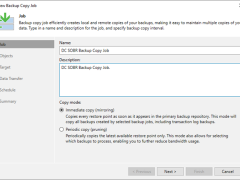
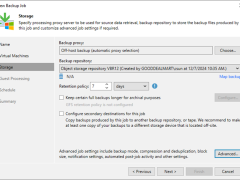
This section describes creating a backup copy job that off-loads to the Azure blob after performing a full backup. It will not use the Azure Blob archive tier.
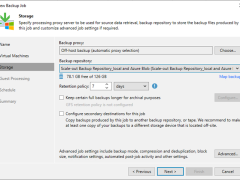
This section describes creating a backup job that backs up at local repositories to sync backup files with Azure cloud and off-loads Azure blob after performing a full backup. It would be best to have a scale-out repository ready before beginning this backup job.
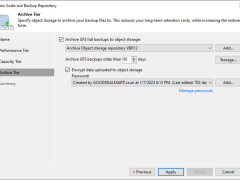
This section describes how to add Azure Blob Object Storage Repositories as the performance tier (hot tier), a capacity tier (cool tier) and an archive (cold tier) tier of the scale-out repository.